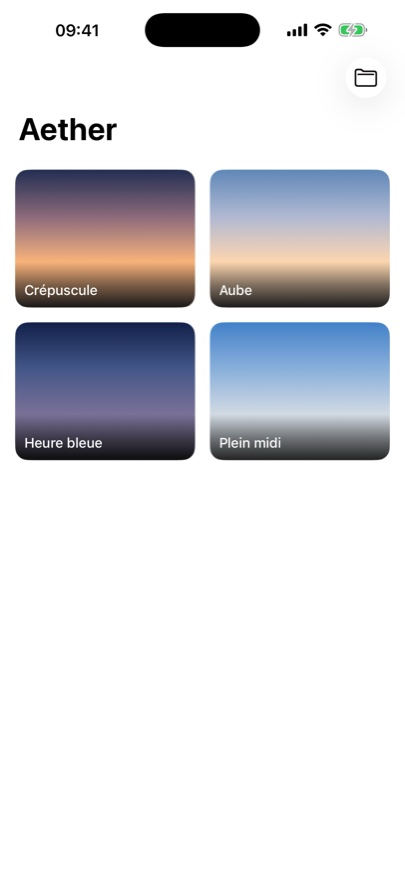
A — Brush
Paint clouds with a finger.
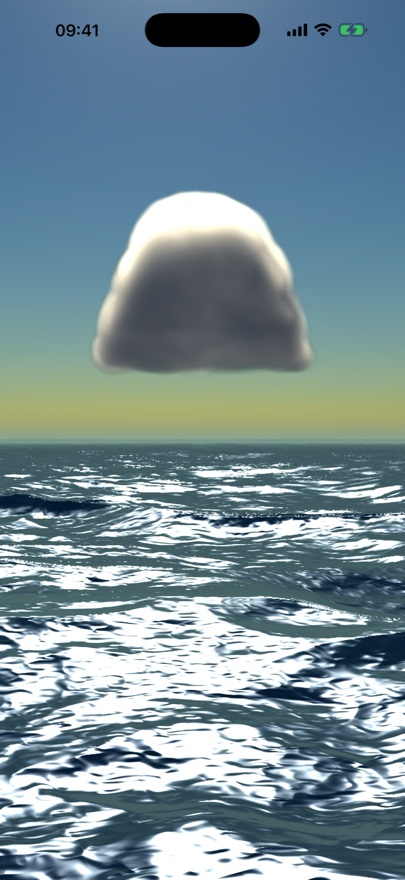
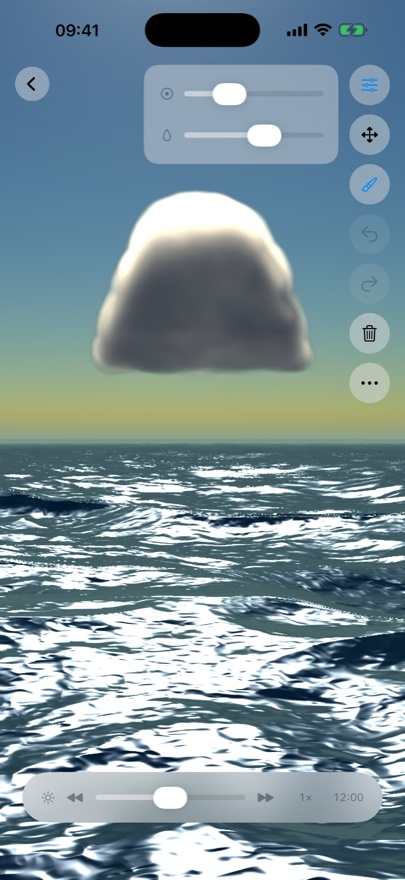
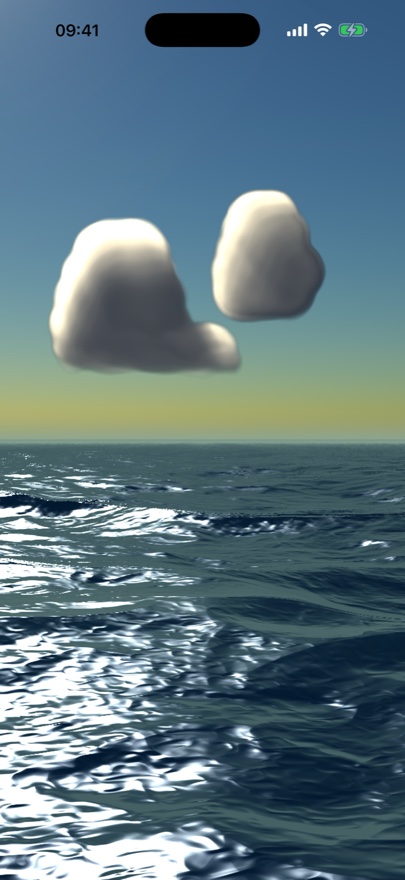
Draw silhouettes on a simple canvas; a volumetric raymarcher turns each stroke into real three-dimensional clouds. Paint across three altitudes — cumulus, altocumulus and cirrus — each its own editable layer, with brush radius, softness and opacity at hand.
B — Real light
Drag the hour; the sky follows.
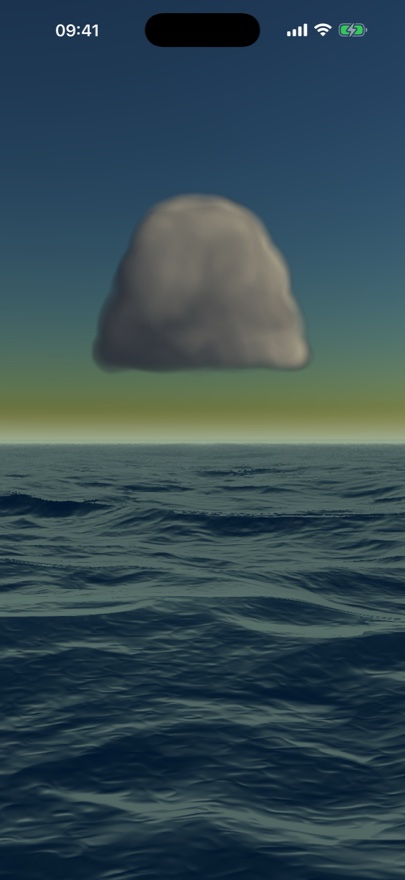
The sun and a correctly phased moon are computed from the real place and instant. Move the hour slider — or let time advance on its own — and your clouds relight live, from warm dawn through white noon to lunar night.
C — Physical sky
Sun, moon, and ~9,000 stars.
An atmospheric sky (Rayleigh + Mie scattering) follows the sun. The moon shows its phase and earthshine; thousands of real stars from the Yale Bright Star Catalogue scintillate at night — all of it occluded by the clouds you paint.
D — Free gaze
Look anywhere. Keep painting.
Rotate the view with one finger and pinch to zoom — nothing erases. Coverage is painted by the direction you face, so look around and keep painting to fill the whole sky around you.
E — Seascape
A sea that mirrors the sky.
On coastal landscapes, a ray-marched ocean stretches below the horizon — reflecting the sky, catching a glint of sun, and a path of moonlight at night.
F — Save a sky
Keep it as an .aether file.
Every sky saves to a self-contained file — landscape, clouds, place, hour and view. Reopen it any time and the exact image is recomputed from scratch. No cloud account, nothing to expire.